---
title: "DKIM"
url: "https://help.internetx.com/en/onlinehelp/dkim/"
lang: "en"
section: "Email & glossary"
---
# DKIM
## Setting up the DKIM record
The DomainKey is generated on the server and subsequently stored in the zone.
→ Set up the DomainKey on the server.
_Example:_
_“standard.domain.example.com” = host name_
→ Generate a public-private key pair for your domain(s).
- Windows end users can use, for example, PUTTYGen
- Linux and Mac end users can use, for example, ssh-keygen
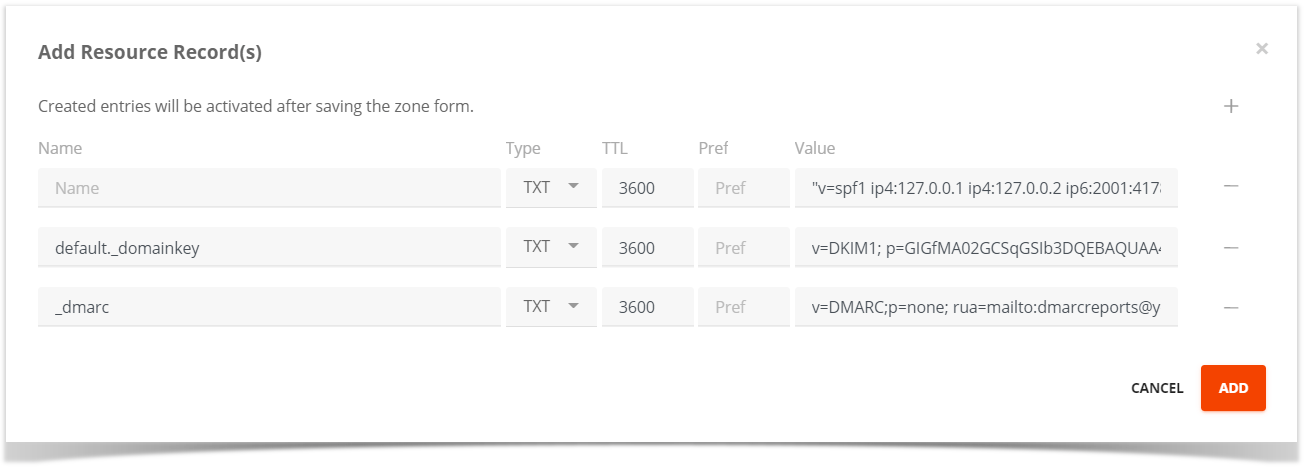
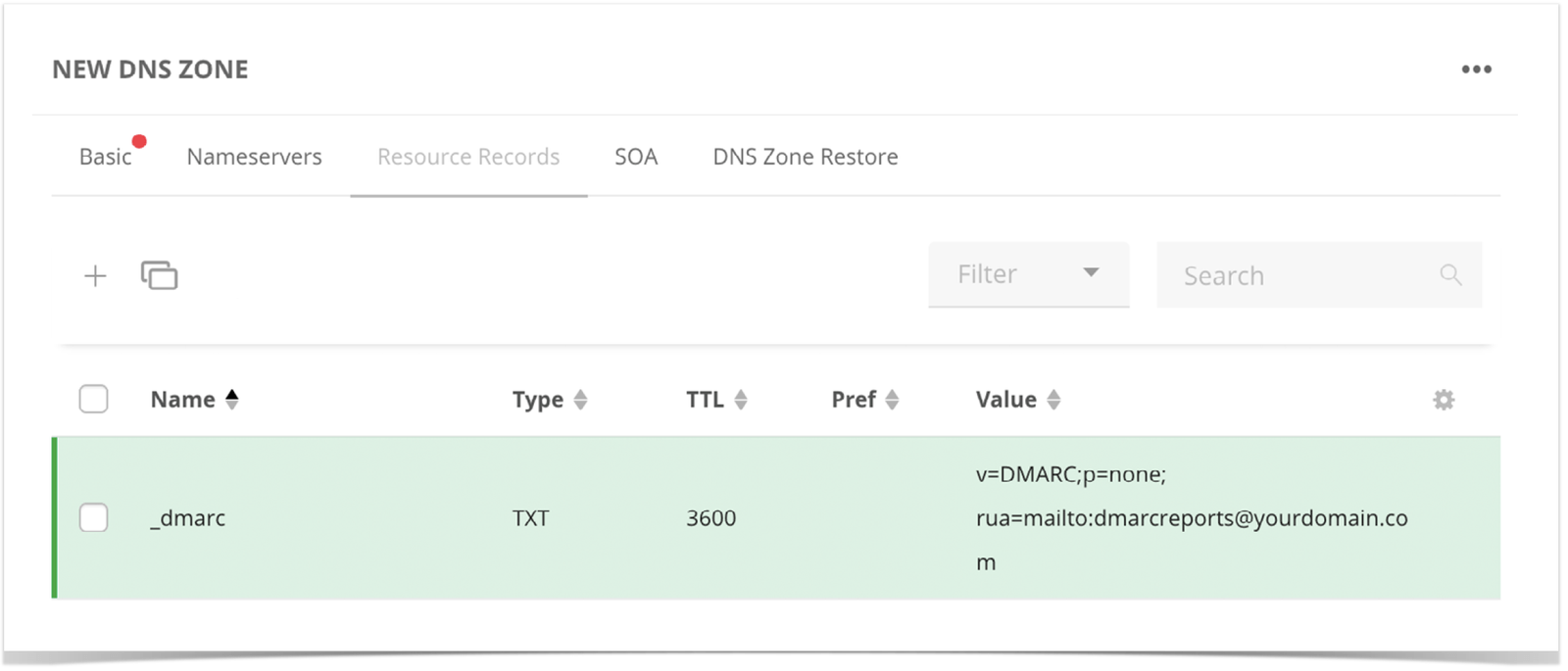
→ Create a new TXT record in the DNS for the corresponding domain(s).
_Example:_
_Name of the sub = default.\_domainkey_
_RR type = TXT_
_Value = the DomainKey of the server starting with v=DKIM1; (can be activated directly in Plesk frontend if applicable)_
 ### Using a Plesk server
If you are using Plesk, the local DNS server must be activated. Subsequently, upon activating the DKIM in the mail settings, Plesk creates the zone entries in the local name server. By opening the zones in Plesk, you can see which values/keys have been generated there. The key for DKIM can then simply be copied into the corresponding zone.
Without Plesk and a local name server, the setup/the create must be done manually as described above.
### Using a Plesk server
If you are using Plesk, the local DNS server must be activated. Subsequently, upon activating the DKIM in the mail settings, Plesk creates the zone entries in the local name server. By opening the zones in Plesk, you can see which values/keys have been generated there. The key for DKIM can then simply be copied into the corresponding zone.
Without Plesk and a local name server, the setup/the create must be done manually as described above.