

- Home
- Server & Cloud
- ISAC - special features
ISAC - special features
Depending on the booked product, the scope of what can be processed directly in ISAC differs. Further descriptions can be found in the product descriptions.
White label
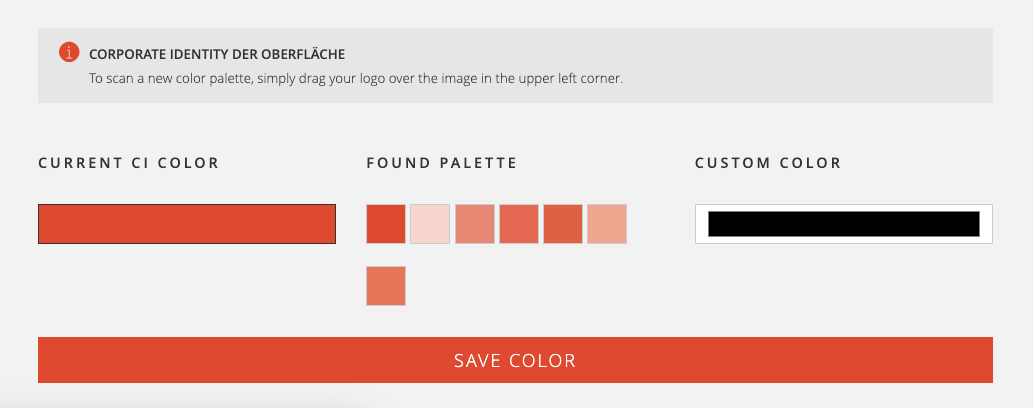
Adapt the appearance of ISAC to your corporate design.
In the menu item → Administration → Settings the menu item → Appearance opens. Drag your logo into the upper left corner to read the colour palette.
The changes will be applied automatically and can be adjusted manually via User defined colour.
Create snapshot
For unmanaged systems (cloud server, bare metal, reseller cloud instances) snapshots of the current status can be backed up. The snapshots are stored on the system and therefore cannot be seen as a backup. The available storage space is thus reduced.
The snapshot is available within seconds - as soon as you see it in ISAC. The displayed size shows you the delta between creation and current size.
Snapshots are “0 KB” in size when created. The more changes are made, the more storage space it occupies on your system. For Reseller Cloud and Bare Metal Snapshots can be backed up to a separate “managed backup server”. For further information please contact vertrieb@internetx.com.
Was this article helpful?
Thanks for the feedback.